
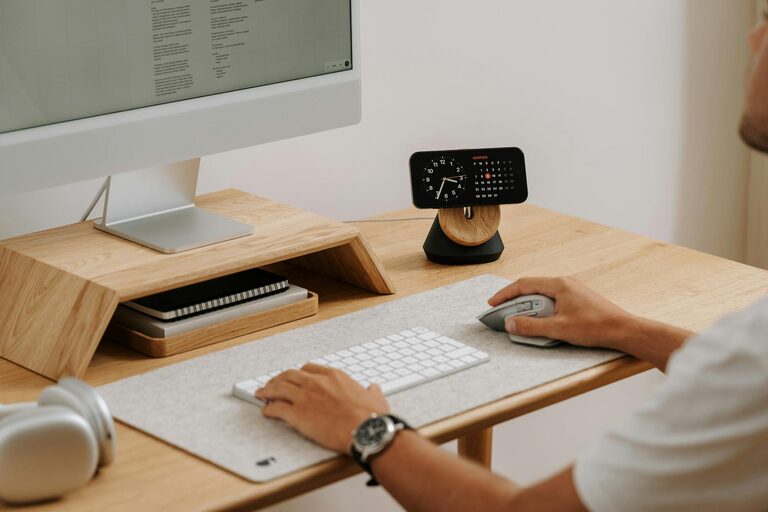
Creating a well-organized home office can make a significant difference in your productivity and overall work experience. Whether you work remotely full-time or occasionally need a dedicated space, keeping your office tidy and functional helps you focus, reduces stress, and saves time. This post offers practical tips for organizing your home office to help you work smarter and feel more comfortable.
1. Choose the Right Location for Your Workspace
Before organizing, ensure your home office is in a suitable spot. Ideally, select a quiet area with minimal distractions, good natural light, and enough room for your furniture and equipment. A well-chosen location sets the foundation for better focus and comfort.
Tips for Location Setup
– Avoid high-traffic areas.
– Position your desk near a window if possible.
– Consider your home’s noise levels and privacy needs.
2. Declutter Your Desk and Surroundings
A cluttered workspace can negatively impact your focus. Start by clearing everything off your desk and only return the essentials. Remove unnecessary papers, gadgets, or décor that don’t contribute to your work.
How to Declutter Effectively
– Sort papers into categories: urgent, to file, or recycle.
– Use digital tools to reduce paper use (scanning apps, note-taking apps).
– Store rarely used items in drawers or shelves.
3. Invest in Functional Storage Solutions
To maintain an organized office, storage is key. Use smart storage options to keep supplies, files, and equipment within reach but out of sight.
Storage Ideas
– Desk organizers for pens, notebooks, and small tools.
– Filing cabinets or boxes for important documents.
– Shelving units for books and reference materials.
– Cable management products to prevent tangled cords.
4. Set Up Your Desk Ergonomically
An ergonomic setup promotes comfort and productivity. Proper chair height, monitor level, and keyboard placement reduce strain and fatigue.
Ergonomic Tips
– Adjust your chair so your feet rest flat on the floor.
– Position your monitor at eye level, about an arm’s length away.
– Use a keyboard and mouse that support a natural hand posture.
– Consider a standing desk option or a sit-stand converter.
5. Organize Digital Files and Email
Productivity isn’t only about physical organization. Keep your digital workspace tidy by organizing files into folders and managing your email inbox regularly.
Digital Organization Strategies
– Create a clear folder structure for projects and clients.
– Utilize cloud storage to access files anywhere.
– Set specific times during the day to check and respond to emails.
6. Personalize Your Space Mindfully
A few personal touches can make your office inviting and inspiring, but avoid overdoing it. A balanced environment helps maintain focus while keeping you comfortable.
Ideas for Personalization
– Add a small plant for a natural element.
– Use artwork or photos that motivate you.
– Choose a color scheme that feels calming and professional.
7. Establish a Cleaning and Maintenance Routine
Regular upkeep keeps your office organized over time. Set aside a few minutes daily or weekly to tidy up and review your space.
Routine Maintenance Tips
– Clear your desk at the end of each day.
– File documents immediately to avoid piles.
– Dust and clean surfaces regularly.
– Review and update your storage systems periodically.
8. Use Task Management Tools
Stay on top of your work by integrating task management apps or planners into your routine. Organized tasks reduce mental clutter and enhance productivity.
Recommended Practices
– Prioritize tasks by deadlines and importance.
– Break larger projects into smaller, manageable steps.
– Review your task list daily.
—
Organizing your home office doesn’t have to be overwhelming. By applying these practical tips gradually, you create an efficient workspace that supports focus, comfort, and productivity. Start small, find what works best for you, and enjoy the benefits of an organized home office environment.